
Collect
Create multiple opt-in forms, style their content, set display rules, and embed them with the Gutenberg block or shortcode.
Findira Newsletter 1.4.3
A fully functional Free newsletter plugin with an optional, separately installed Pro add-on. Collect subscribers, create campaigns, send through your preferred mailer, and understand engagement without moving your list to another platform.
WordPress 6.3+ · PHP 8.1+ · GPL v2 or later
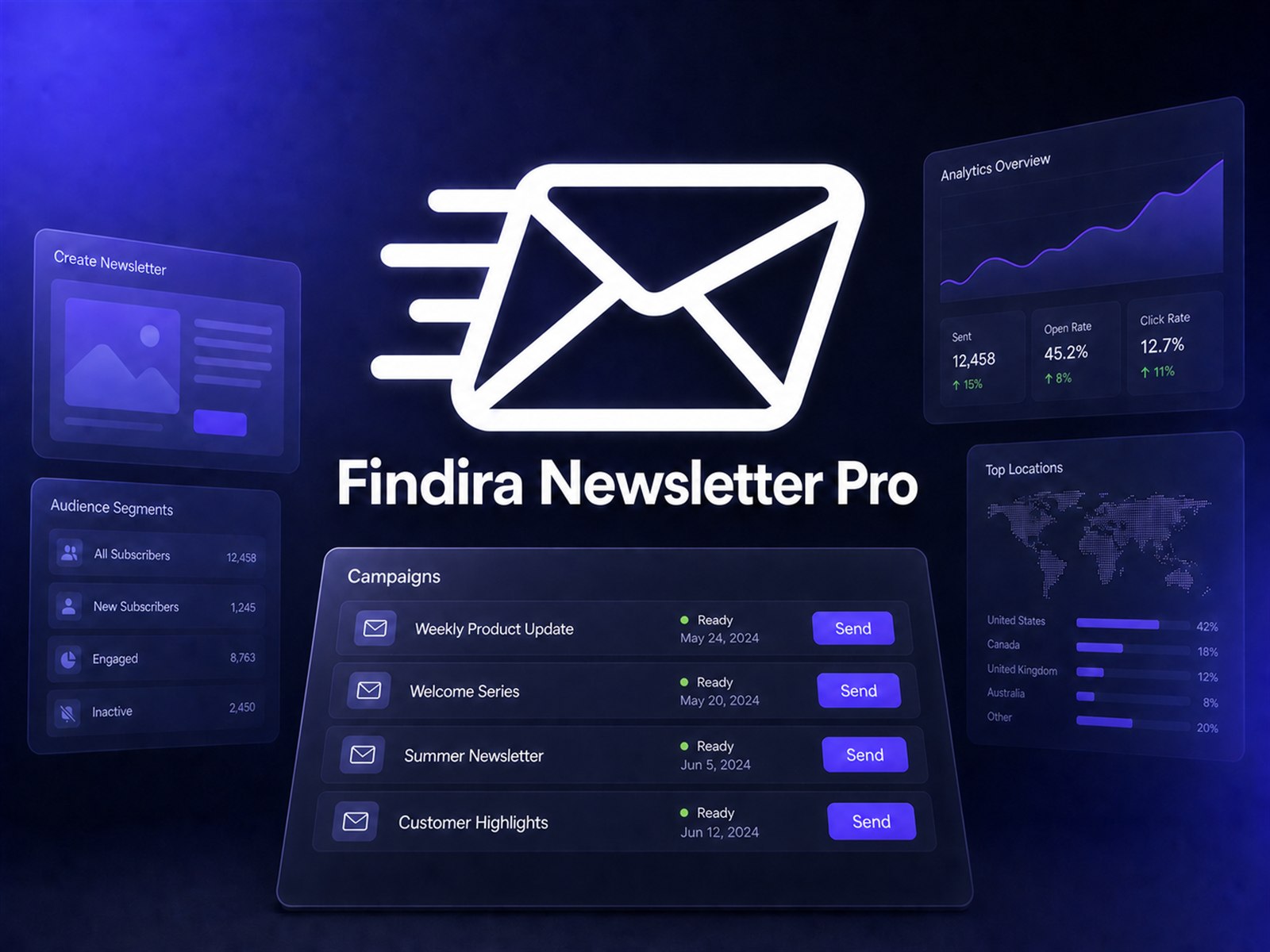
Run the everyday subscriber, campaign, delivery, and reporting workflow without an artificial Findira recipient limit.
Create multiple opt-in forms, style their content, set display rules, and embed them with the Gutenberg block or shortcode.
Manage subscriber statuses and named lists, record consent, and import or export subscriber data with CSV tools.
Create, duplicate, test, schedule, and queue campaigns through wp_mail, SMTP, or Mailgun with diagnostics and retries.
Review sent, open, and click analytics, reporting periods, campaign performance, and top clicked links.
Built for ownership
There are no Findira per-subscriber platform fees or artificial recipient limits. You choose the hosting and sending infrastructure that fits your site.
Your host and external email delivery provider may impose their own technical or commercial limits.
Pro extends Free; it does not replace it. Keep the Free plugin installed and active when using Pro.
| Feature | Free | With Pro |
|---|---|---|
| Unlimited subscribers and named lists | ✓ | ✓ |
| Multiple forms, block, shortcode, CSS, and display rules | ✓ | ✓ |
| Double opt-in, consent, confirmation, and unsubscribe flows | ✓ | ✓ |
| CSV import and export | ✓ | ✓ |
| Campaign tests, scheduling, queues, and delivery diagnostics | ✓ | ✓ |
| Sent, open, and click analytics with reports and top links | ✓ | ✓ |
| Reusable templates | — | ✓ |
| Dynamic segments and segment targeting | — | ✓ |
| Automations | — | ✓ |
| Campaign-level custom CSS | — | ✓ |
| Advanced Findira AI workflow tools | — | ✓ |
| Support | Standard | Priority |
Actual delivery capacity depends on your WordPress host, WP-Cron reliability, and selected mail provider. Open measurement is approximate because mail clients may block or proxy tracking pixels.
Install Pro as a second plugin when you need reusable campaign systems and more precise audience workflows.
Build reusable dynamic audiences and target campaigns by segment.
Reuse campaign templates and create automated newsletter workflows.
Add campaign-level custom CSS and unlock advanced Findira AI workflow tools.
Simple Pro pricing
Available until August 31, 2026.
One site activation. Renews automatically each year until cancelled.
Get AnnualOne site activation. A single payment with no recurring subscription.
Get LifetimeFrequently asked questions
Keep Findira Newsletter Free installed and active. Upload and activate the Pro ZIP as a second plugin, then enter your license under Newsletter → Settings → License.
No. Pro extends Free and depends on it. Do not replace or remove Free when installing Pro.
No. Free and Pro have no artificial Findira recipient limit. Your host and mail provider can still impose their own limits.
Subscriber records are stored in your WordPress database. Your selected delivery provider receives the information necessary to deliver messages.
Free remains functional. Pro features lock after license validation until the license is renewed or reactivated.
Yes. Deactivate the license on the old site before activating it on the new site.
Yes. Normal updates and uploaded replacement ZIPs preserve newsletter data and the Pro license. Deleting Pro releases its activation, so enter the same key again after reinstalling.
No email analytics system can promise perfect open tracking. Some mail clients block images or proxy tracking pixels, so open totals are estimates.
Ready when you are