
Documentation
Findira Newsletter documentation.
A practical starting point for installation, campaign delivery, subscriber management, and troubleshooting.
Getting started
Requirements
Use WordPress 6.3 or newer and PHP 8.1 or newer. Install the plugin through Plugins → Add New → Upload Plugin, activate it, then open Findira Newsletter in the WordPress dashboard.
First setup
- Review sender identity and delivery settings.
- Customize the default subscription form.
- Place the form with the Gutenberg block or [fnl_form] shortcode.
- Complete a real double opt-in test.
- Create a campaign and send a test message.
Subscribers and forms
Subscribers can be pending, confirmed, or unsubscribed. Double opt-in sends a configurable confirmation email before a pending address becomes confirmed.
The Free version provides one editable form with optional name and consent fields, inline or stacked layout, labels, placeholders, basic colors, a Gutenberg block, and shortcode. Pro adds multiple forms, custom CSS, display rules, and automatic placement.
CSV import and export, multiple forms, form deletion, scoped CSS, display rules, and automatic placement.
Campaigns and scheduling
Create, edit, duplicate, test, schedule, queue, and send campaigns from WordPress. Free campaigns support up to 500 unique recipients. Oversized Free campaigns are rejected before a queue is created rather than silently truncated.
Available merge tags
{{first_name}}
{{last_name}}
{{email}}
{{unsubscribe_url}}Use the unsubscribe URL in every campaign. Findira Newsletter also adds tracking and one-click unsubscribe headers where configured.
Mail delivery
Choose WordPress wp_mail(), SMTP, or Mailgun. Campaigns are processed in queue-based batches through WP-Cron with concurrent-worker protections and automatic retry using exponential backoff.
Before sending
- Authenticate the sending domain with SPF, DKIM, and DMARC.
- Send a test message to more than one mailbox provider.
- Confirm that WP-Cron runs reliably on the live site.
- Check your provider limits and acceptable-use policy.
Analytics, segments, templates, and automations
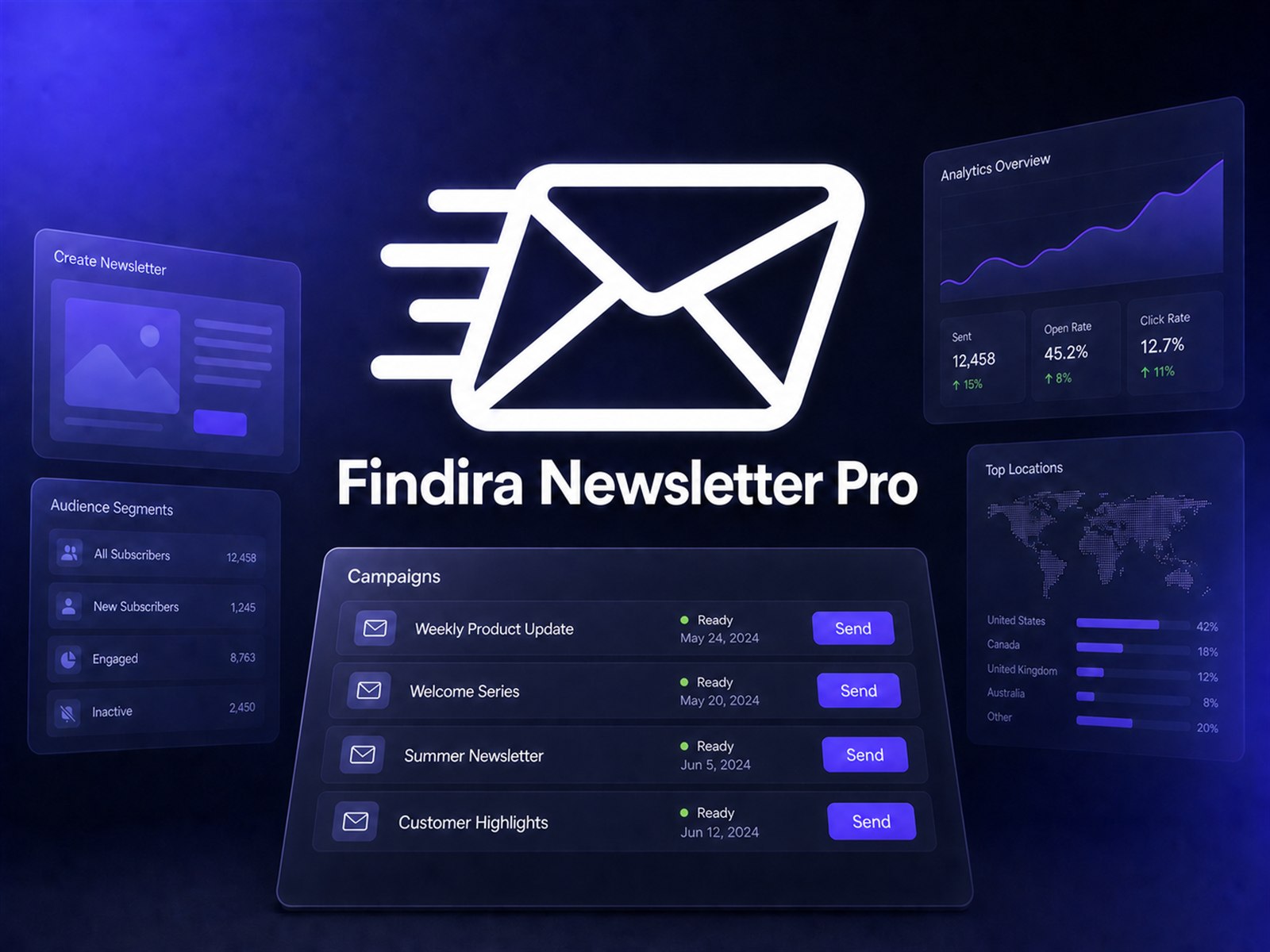
Free displays sent, open, and click totals. Pro adds detailed performance, reporting periods, trends, top clicked links, unsubscribe tracking, dynamic audience segments, reusable HTML templates, and supported automations such as a welcome email after confirmation.
Open tracking is inherently approximate because email clients can block or proxy tracking pixels.
Privacy, GDPR, and retention
The plugin keeps subscriber records in your WordPress database, but your website remains responsible for a valid legal basis, transparent privacy information, processor agreements, retention rules, and responding to data-subject requests.
Review uninstall and data-retention settings before removing the plugin. Export data you are legally required to preserve, and do not retain personal information longer than necessary.
Troubleshooting
Scheduled campaign did not start
Check the site timezone, campaign schedule, WP-Cron health, and whether loopback requests work. On low-traffic sites, configure a real server cron to call WordPress cron reliably.
Test email did not arrive
Confirm the selected mailer credentials, sender address, domain authentication, provider logs, and spam folder. Test with a simple message before debugging campaign HTML.